
H48 Login
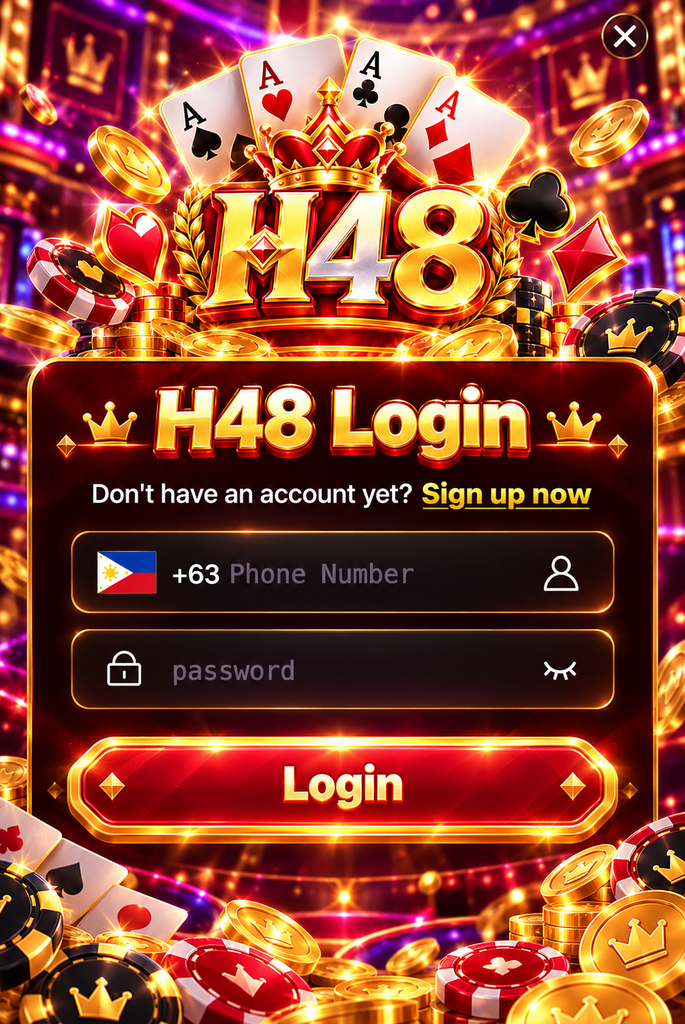
What Is H48 Login?
H48 Login connects registered users with their existing H48 accounts.
Once signed in, users may be able to access available slot games, review account information, manage settings, check platform notices, and use other account features supported by H48.
The exact options shown after login can change as the platform is updated, so users should rely on the current account dashboard rather than older screenshots or third-party instructions.
| Login Item | What Users Need |
|---|---|
| H48 Account | Registration must be completed first |
| Username or Mobile Number | Use the information linked to your account |
| Password | Enter the current account password |
| Internet Connection | Stable Wi-Fi or mobile data recommended |
| Device | Android, iPhone, tablet, or desktop |
| Verification | May be requested for some sign-ins |
Accurate account details help reduce unnecessary login failures.
How to Log In to H48
The sign-in process should remain simple for most existing users.
- Open the verified H48 website or supported H48 App
- Select the Login option
- Enter your registered username, mobile number, or required account ID
- Enter your password
- Complete any verification step shown on the screen
- Confirm the login request
If the credentials are correct, the account dashboard should open.
Do not continue entering a password if the page looks different from the normal H48 interface or unexpectedly asks for sensitive information that is not usually required.
H48 Login on Mobile Devices
Many Filipino users access online services mainly from smartphones, so mobile login quality matters.
H48 Login should be easier to use on a phone when the page is properly optimized for smaller screens. Form fields should remain readable, buttons should be easy to tap, and account recovery options should not be hidden behind complicated menus.
Android Access
Android users can generally access H48 through a supported mobile browser or the H48 App when an official version is available.
If using an APK, make sure it was downloaded from a verified H48 source before entering account credentials.
iPhone Access
iPhone users can use the supported mobile access method provided by H48.
If no dedicated iOS application is available, browser access is often the more practical option. APK files are designed for Android and should not be installed on iOS devices.
Forgot Your H48 Password?
Forgetting a password is common and does not necessarily mean the account has been lost.
If the login page provides a password recovery option, use that process instead of repeatedly guessing.
A typical recovery flow may include:
- Select Forgot Password
- Enter the mobile number or account information linked to H48
- Complete the requested verification
- Create a new password
- Return to the login page
- Sign in with the updated credentials
Use a password that is different from the one used for email, social media, banking, or other gaming accounts.
A unique password limits the impact if login information from another service is ever exposed.
Common H48 Login Problems and Fixes
Most sign-in problems have relatively simple causes.
| Problem | Possible Cause | What to Try |
|---|---|---|
| Password rejected | Incorrect or outdated password | Check the password or use recovery |
| Account not recognized | Wrong username or mobile number | Confirm registration details |
| Verification delayed | Network or SMS delay | Wait briefly before requesting another code |
| Login page not loading | Connection or browser problem | Reconnect or reopen the page |
| App login error | App version may be outdated | Check for the current official version |
| Repeated sign-in failure | Security check may have been triggered | Stop repeated attempts and contact support |
Repeatedly submitting incorrect credentials can sometimes make account recovery more difficult. If basic troubleshooting does not work, use the official support process.
Verification Code Not Arriving
Verification codes can occasionally be delayed by mobile network conditions.
Before requesting several codes, check that the phone number linked to the account is correct and that the device has a working signal.
Wait a short period before trying again because requesting multiple codes in quick succession can make it difficult to know which one is still valid.
Never give a verification code to another person, including someone claiming to be able to unlock the account.
How to Protect Your H48 Account
Account security depends partly on the platform and partly on user behavior.
Use a Unique Password
Do not reuse the same password across multiple services.
Longer passwords that combine different character types are generally harder to guess.
Check the Login Page
Copied login pages may be designed to collect credentials.
Avoid opening H48 Login from unfamiliar pop-ups, random social media messages, or shortened links.
Keep Verification Codes Private
A legitimate account recovery process should not require you to send your password or one-time verification code to another user.
Avoid Shared Devices
If you need to use a shared phone or computer, avoid saving the password and log out when finished.
Keep Your Device Updated
Browser, operating system, and security updates can improve compatibility while reducing known security weaknesses.
H48 Login App vs Browser
Both options can be useful depending on how often H48 is accessed.
| Access Method | Advantage | Consideration |
|---|---|---|
| H48 App | Faster direct access | Requires installation and storage |
| Mobile Browser | No installation needed | Requires opening the site each time |
| Password Manager | Convenient secure credential storage | Requires correct setup |
| Browser Auto-Save | Faster sign-in | Not ideal on shared devices |
Users who access H48 regularly may prefer the app, while occasional users may find browser access sufficient.
The important point is to use a verified H48 access method rather than choosing based only on convenience.
When to Contact H48 Support
Some login issues cannot be solved by refreshing the page or resetting a password.
Contact official support when:
- you no longer have access to the registered mobile number
- password recovery repeatedly fails
- the account shows activity you do not recognize
- verification cannot be completed
- the account becomes unexpectedly restricted
- your device is lost while the account is still signed in
When asking for assistance, explain the problem clearly but never send your full password.
H48 Login Frequently Asked Questions
Do I need an H48 account before logging in?
Yes. H48 Login is intended for existing registered users. New users need to complete the registration process first.
Can I use H48 Login on Android and iPhone?
H48 can be accessed through supported mobile methods. Android users may also have an APK option when an official version is available, while iPhone users can use the supported iOS or browser access method.
What should I do if my H48 password is not working?
Check that the correct account details are being used. If the password is still rejected, use the official password recovery process instead of repeatedly guessing.
Why am I not receiving a verification code?
Possible causes include mobile network delays, incorrect account information, or temporary delivery problems. Confirm the registered number and wait before requesting another code.
Is it safe to save my H48 password in a browser?
It may be convenient on a personal device, but it is not recommended on shared or public devices. A properly configured password manager can provide better control over saved credentials.